WhatsApp Business isn't WhatsApp: what changes for your business
Three products share the name, and the difference decides what you can automate in your business and what you can't. Explained plainly, with sources.
It's nine at night. The owner of a shop in Margate is at the dinner table and his phone won't stop buzzing. It's the same number he uses to talk to his brother and the one customers use to ask whether he can take a car in tomorrow.
When I ask why he doesn't automate some of that, the answer is almost always the same: "I already have WhatsApp Business, and it doesn't let you do any of that."
He's half right. And that half is costing him.
Three different things with the same name
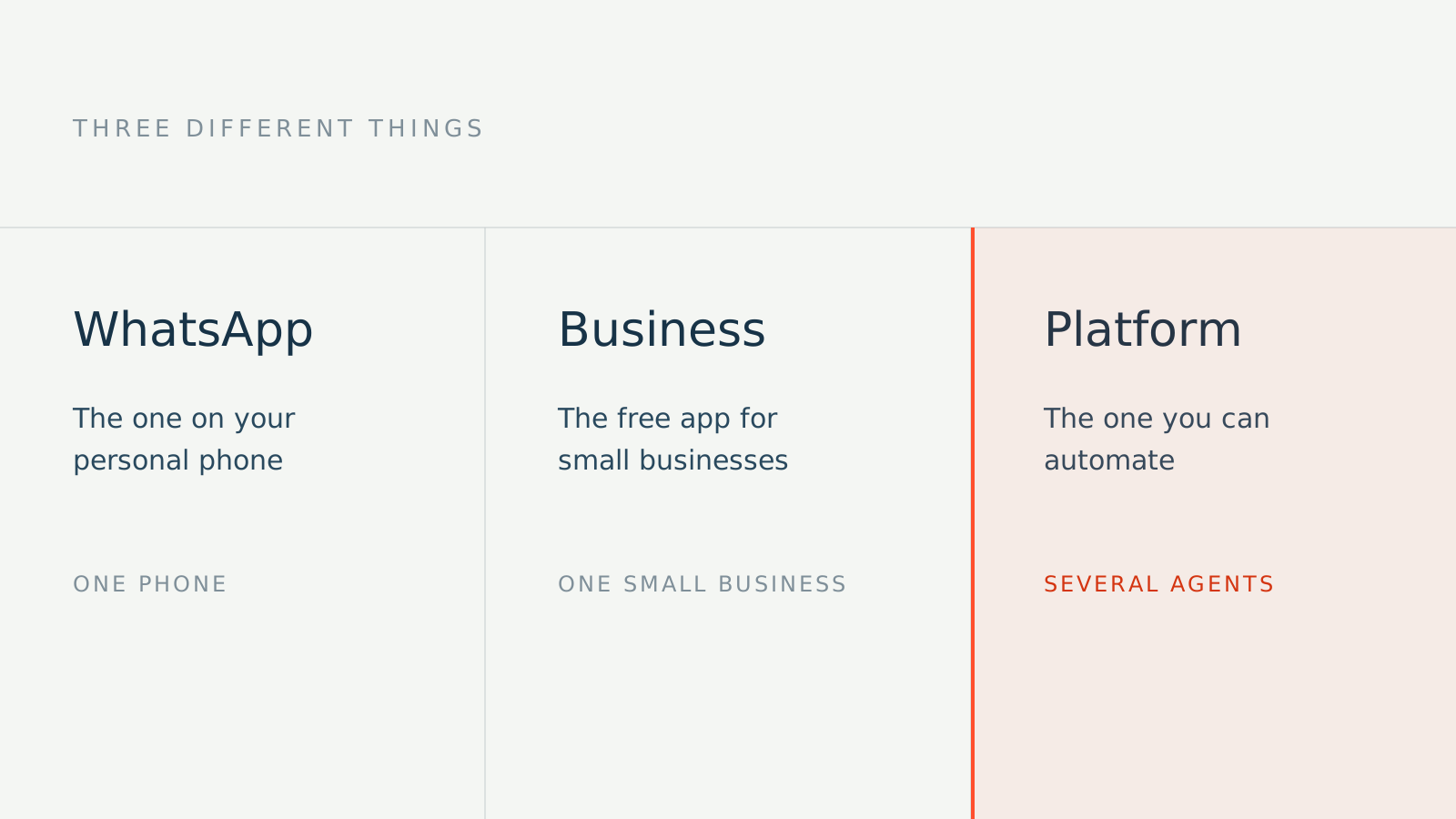
There are three products, not one:
| Who it's for | Automation | |
|---|---|---|
| WhatsApp Messenger | Personal use | None |
| WhatsApp Business app | Small businesses answering messages themselves | Basic auto-replies |
| WhatsApp Business Platform | Businesses at volume that need to connect systems | Full, programmatic |
That split is Meta's, not mine. In their own words, the app is "for small businesses who personally manage conversations with customers," while the Platform is "for medium to large businesses communicating with customers at scale through programmatic access" (whatsappbusiness.com).
When someone says "the WhatsApp API," they mean the third one. It's a separate product, not a hidden button inside the app.
What the free app actually does
Worth saying, because plenty of people have it installed and don't use half of it. The app gives you a greeting message, an away message for when you're closed, quick replies for the thing you answer twenty times a day, labels to organize conversations, and a product catalog.
If your business gets few messages and you answer them all, that can be enough. Genuinely. No reason to complicate it.
Where it hits the ceiling
The limit shows up when the business grows past one person, or when the volume doesn't fit in the hours of the day.
Devices. The app supports up to four linked devices plus the phone. There's a paid feature called multi-agent that raises that to ten devices, included with Meta Verified for Business or Meta One subscriptions (Meta's documentation). Note one detail from that same page: if you cancel the subscription, only your four most recently active devices stay linked. And past four devices, calls only ring on the primary one.
The number belongs to the phone, not the business. The same number can't be on WhatsApp Messenger and the Business app at the same time (Meta confirms it). If the owner's personal number is the business number, separating them later means a migration.
No connection to your systems. The app doesn't connect to your calendar or your practice management system. For a message to become an appointment without someone typing it in by hand, you need the Platform.
Regulated industries. Almost nobody mentions this one and it matters for medical and dental practices: Meta's policy explicitly prohibits messaging about regulated verticals on the Business app; those cases are only allowed on the Platform, in enabled countries and subject to requirements (messaging policy).
What automating requires
Four things, none of them complicated:
- A WhatsApp Business Account (WABA). The entity that represents your business on the platform. It starts out allowing two registered numbers, and that cap can rise (documentation).
- A number that meets the requirements. Owned by you, with a country and area code, able to receive a call or SMS to verify.
- An approved display name. The name your customers see gets reviewed by Meta before approval (documentation).
- Business verification. Without it, a new account starts capped at two hundred and fifty unique recipients per twenty-four hours; verifying is how that cap goes up (messaging limits).
The rule that governs everything: the 24-hour window
This is the one that causes the most confusion and the one to understand before you sign anything.
When a customer messages you, a twenty-four-hour window opens. Inside it you can reply however you want. If the customer writes again, the clock resets. Once the window closes, you can only send templates Meta approved ahead of time (sending documentation).
Translated to your business: replying to someone who wrote to you is easy; starting a cold conversation is the part that's regulated. And there's a rule before all of that — Meta's policy only lets you message someone who gave you their number and gave you explicit permission to contact them.
What it costs
Meta charges for the Platform. I'm deliberately not printing figures here: they change, and an article with stale prices is an article that lies.
What's worth knowing is how the billing works. Since July 1, 2025, charges are per delivered message, not per conversation as before (Meta documents it explicitly). Rates vary by message category and country.
The official rate card lives here, with downloadable tables and a country selector: WhatsApp Business Platform pricing.
One dated warning, because it will affect you: Meta announced that starting October 1, 2026 it will begin charging for service messages, which weren't charged until now, and for utility messages sent inside the twenty-four-hour window (official announcement). If someone runs cost numbers for your business, ask whether that date is in them.
If you already use the app and want to migrate
You can, and here's a difference worth money and years of history.
The direct route loses your history. Meta's documentation says it flatly: registering the number directly on the Cloud API loses your messaging history, and you won't be able to use that number with the Business app again unless you deregister it (migration documentation).
The coexistence route keeps it. If you migrate through a provider that supports it, you can keep using the Business app for one-to-one conversations while automation runs alongside, with the last hundred and eighty days of history synced between both (coexistence documentation).
Same migration, two very different outcomes. Ask which one they're doing before you sign.
The three mistakes I see most
Using a personal number for the business. It works until it doesn't: the day you want someone else answering, or you want your life separate from the shop, the move costs you.
Believing the app can really be automated. You can set auto-replies, yes. But an away message saying "we'll get back to you tomorrow" doesn't book anything, doesn't answer questions, and doesn't stop the customer from calling the next name on the list.
Hiring someone who never explains the 24-hour window or templates. If that doesn't come up in the first conversation, either they don't understand it or they'd rather you didn't. Neither is a good sign.
How to tell which one you need
Count the messages that come in over a week and how many sit unanswered for hours. If it's a handful and you keep up, stay with the free app and set it up properly — I just saved you money.
If it's enough that customers are slipping away, or you need more than one person answering, that's where the Platform earns what it costs.